

for Mazda Europe Cover Connect Navigation SD Card 2024 Sat Nav Map Latest Update
Product details
| Management number | 241478123 | Release Date | 2026/07/18 | List Price | US$16.80 | Model Number | 241478123 | ||
|---|---|---|---|---|---|---|---|---|---|
| Category | |||||||||
Notice:
Dear buyer, please carefully read whether your model is compatible with the model we provide before you order.
If you ignore this information and make an error,we will not bear the freight sent back.
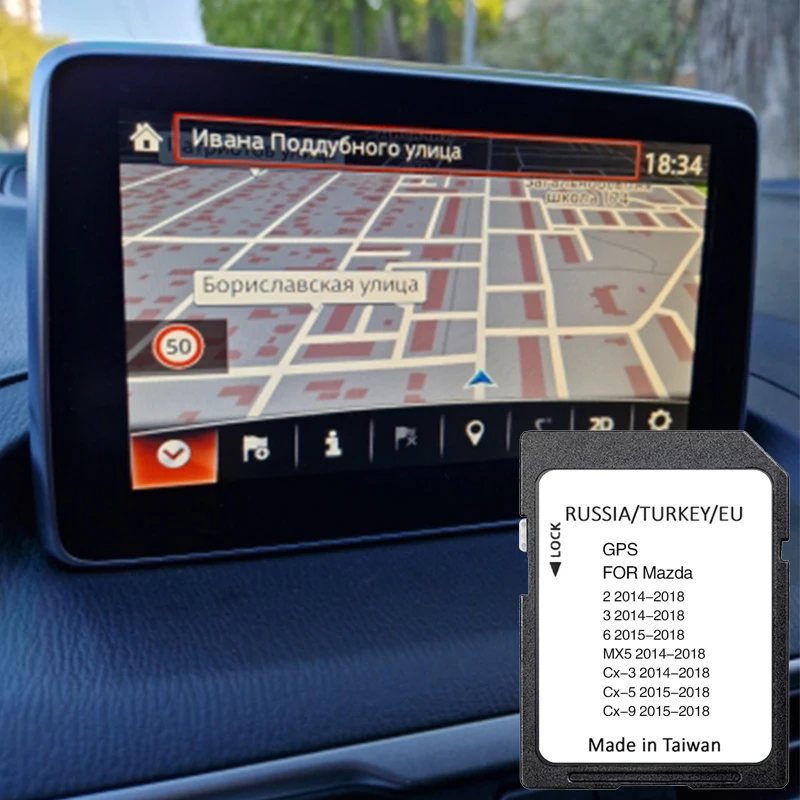
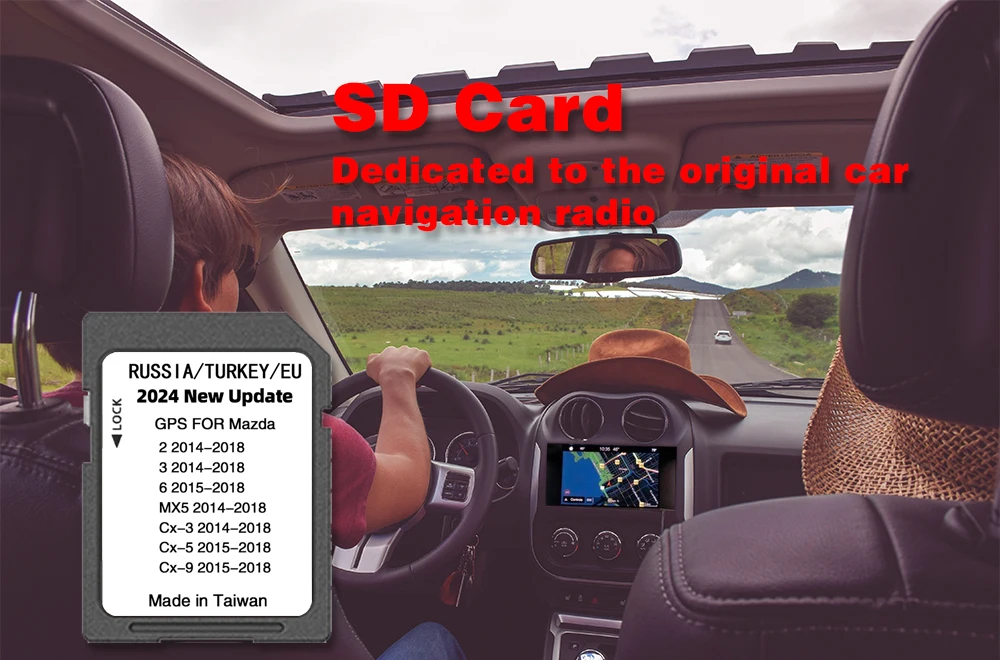
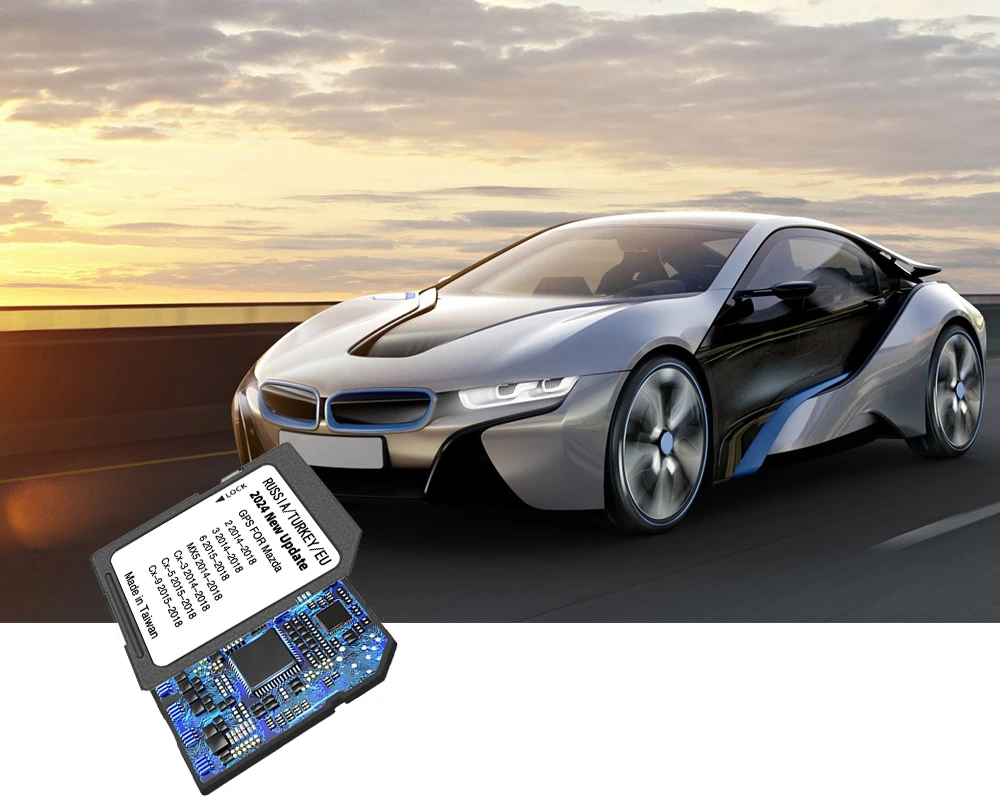
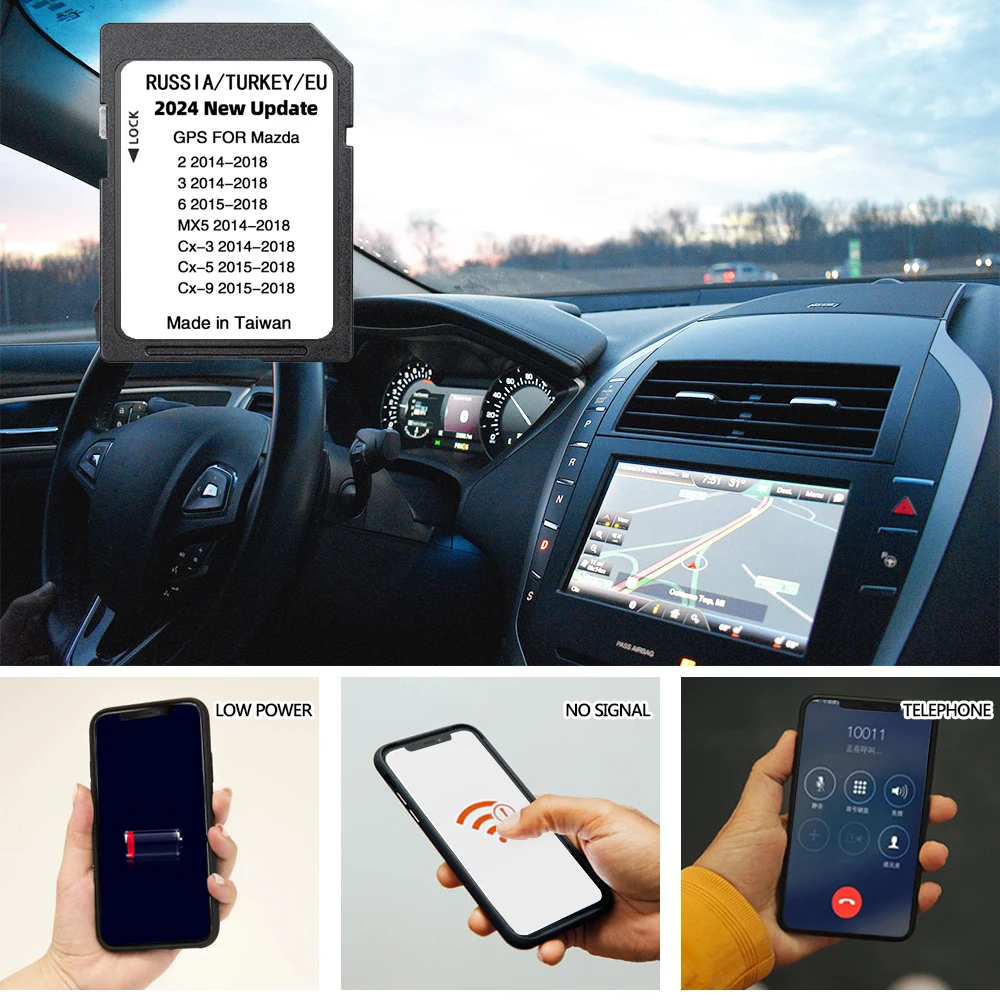
(1).Navigation SD card is designed to provide you with the most up to date directions, maps, and more on your Mazda's touchscreen.
(2).Your car needs to be equipped with a satellite navigation system to use it, otherwise nothing will happen after inserting the card.
(3).It features ZIP code/Post code, Address, and Coordinate support, as well as Driver Alerts, Active Speed, Current Speed and Estimated Arival Time functions. Additionally, it includes Intelligent Route Planning and fast and accurate GPS Tracking for optimal navigation. This SD card will ensure your navigation is up to date, so you can enjoy the best and most efficient driving experience.
(4).Not compatible with 10.25-inch full-color touchscreen monitors.
Compatibility:
Please check compatibility BEFORE purchase:
· Mazda 2 (2015 - 2021)
· Mazda 3 (2014 - 2020)
· Mazda 3 FL (2017 - 2021)
· Mazda 6 (2015 - 2021)
· Mazda 6 FL (2017 - 2021)
· Mazda CX-3 (2015 - 2021)
· Mazda CX-3 FL (2017 - 2021)
· Mazda CX-5 (2016 - 2021)
· Mazda CX-9 (2016 - 2021)
· Mazda MX-5 Miata (2015 - 2021)
· Mazda MX-5 Miata FR (2016 - 2021)
Countries included:
Austria, Albania, Andora, Belarus, Belgium, Bolgaria, Bosnia Herzegovina, Hungary, Germany, Gibraltar, Vatican, Greece, Denmark, Ireland, Iceland, Spain, Italy, Kazahstan, Kosovo, Lithuania, Leichtenstein, Luxembourg, Malta, Moldova, Monaco, Montenegro, Netherlands, Norway, Poland, Portugal, Macedonia, Russia, Romania, San Marino, Serbia, Slovenia, Slovakia, United Kingdom, Turkey, Ukraine, Finland, France, Croatia, Chezh republic, Switzerland, Sweden, Estonia.
Languages included:
English, French, German, Dutch, Italian, Portuguese, Espanol, Netherlands, Dansk, Russian, Svenska, Suomi, Norsk, Cestina, Slovensky, Magyar, Turkce, Polski, Eesti, Latviesu valoda, Lietuviu, Greece, Hrvatski, Bulgarian, Romana,Srpski, Hebrew, Ukranian.
How To Install:
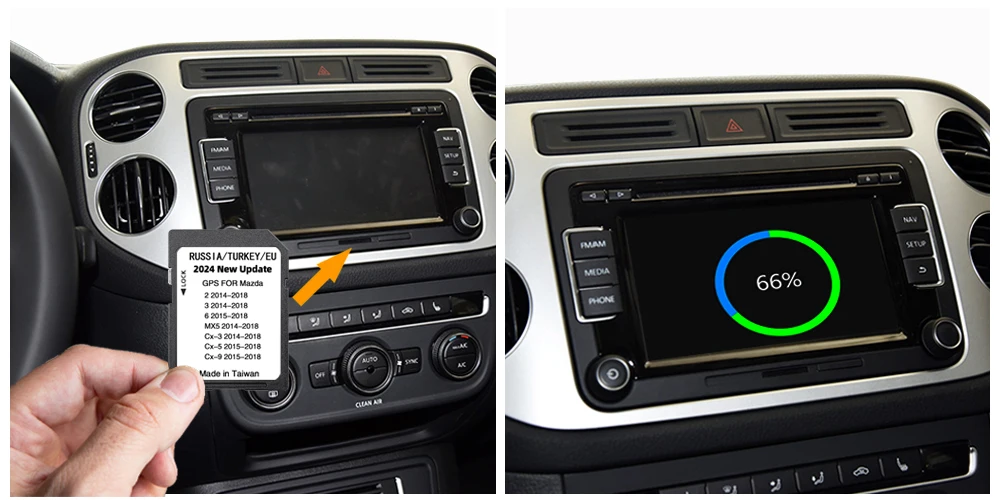
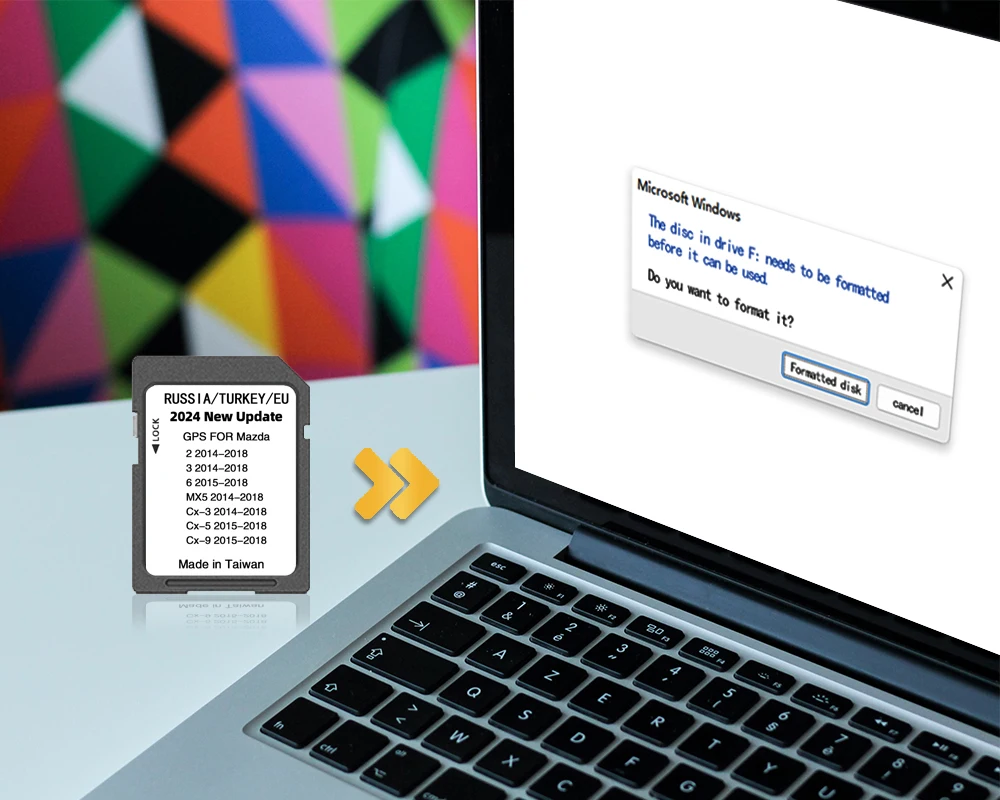
1.Remove any existing card.
2.Ensure that the write protection tab on the SD card is in the unlock/write position (upwards with the label facing you).
3.insert the card with the engine off, turn on the engine and follow any onscreen instructions.









Bestseller ranking
Home Improvement


Customers who viewed this product also viewed
Celebrity Chef Cooking Utensils
Correction of product information
If you notice any omissions or errors in the product information on this page, please use the correction request form below.
Correction Request Form